
Produktdetails
Details, Inhalte und Hinweise
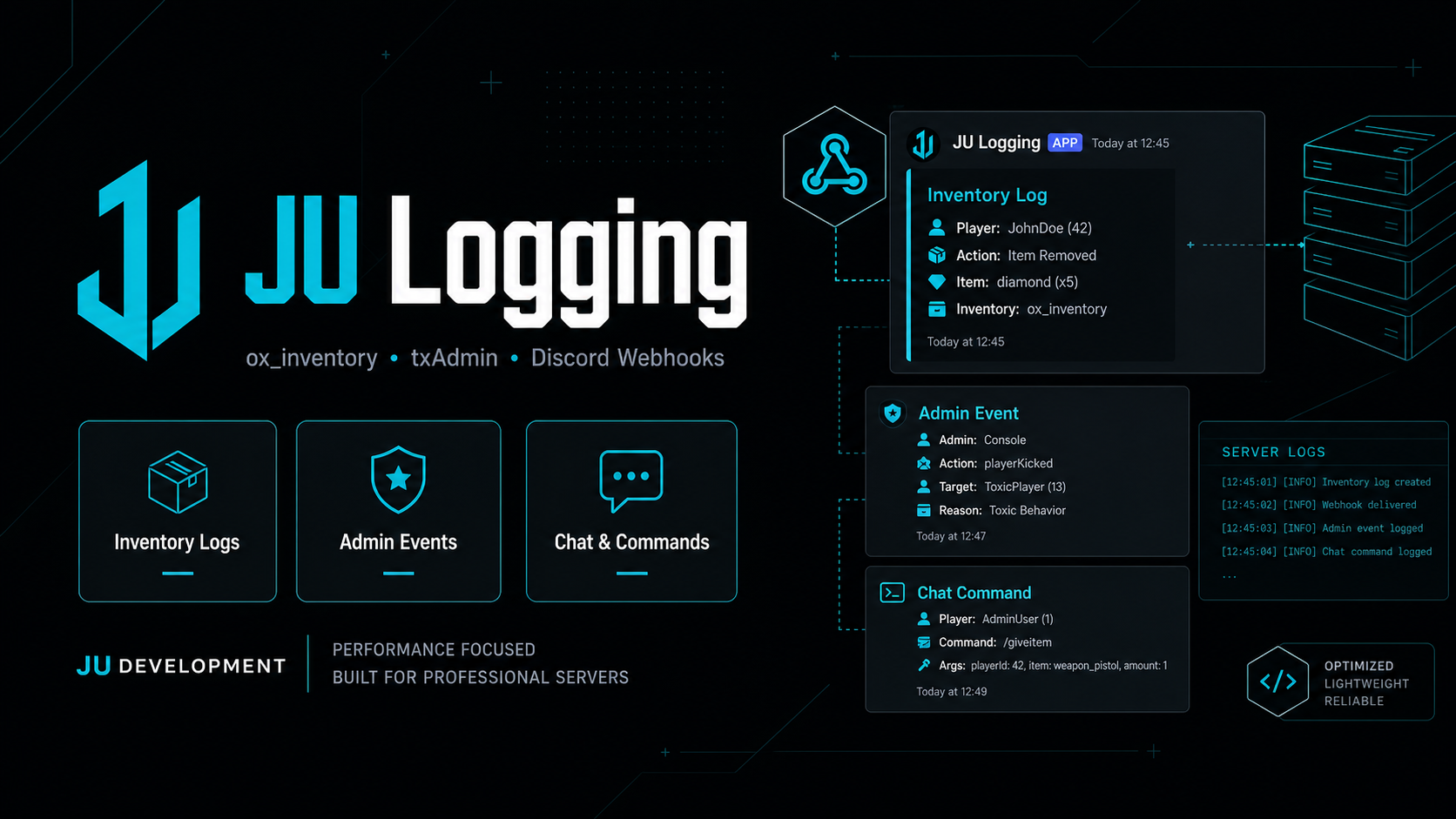
JU Logging is a standalone FiveM utility script designed to send important server activity directly to Discord using clean, category-based webhooks.
The script is focused on practical server moderation and administration. It logs selected ox_inventory actions, official txAdmin broadcast events, as well as chat input and player commands, making it easier to review important actions and keep your team informed in real time.
Included Logging Areas
ox_inventory item transfers and purchases
txAdmin event logging
Chat message logging
Player command logging
Category-based Discord webhooks
Configurable embed colors and labels
ox_inventory Categories
The resource is set up to separate ox_inventory logs into practical categories, including item giving, trunk, glovebox, ground, purchases and stash activity.
Included categories:
geben
kofferraum
handschuhfach
boden
kaufen
lager
txAdmin Events
The script also supports official txAdmin-related logging categories such as announcements, scheduled restarts, server shutdowns, admin authentication and multiple player/admin actions.
Examples include:
tx_announcement
tx_server_shutdown
tx_scheduled_restart
tx_player_banned
tx_player_kicked
tx_player_warned
tx_admin_auth
tx_console_command
Features
Clean standalone structure
Built for Discord webhook logging
Logs ox_inventory purchases and item movement
Logs chat input and player commands
Logs txAdmin events in separate categories
Easy webhook configuration through config.lua
Supports category-specific webhook routing
Debug toggle included
Requirements
FiveM server
ox_inventory installed and started before this resource
Discord webhooks for the categories you want to use
Installation
Upload the resource to your server.
Open
config.luaand add your Discord webhooks for each category you want to use.Make sure
ox_inventorystarts before this resource in yourserver.cfg.Add the resource to your server startup:
ensure ox_inventory
ensure ju_logging
Important Notes
If a webhook is left empty, nothing will be sent for that category.
The resource depends on
ox_inventoryand should only be used if that dependency is installed.txAdmin logging is based on officially broadcast txAdmin events.
This script is intended for server logging and moderation support.
What Is Included
Logging configuration structure
ox_inventory hooks
Chat and command logging
txAdmin logging support
Resource manifest / startup structure